5.0 Rating

Conversation-First Support, Native to WordPress

AI-driven omnichannel customer management across social, live chat, chatbot, and CRM.

Diagram showing Helpmate AI central hub connecting Knowledge Base, Chatbot, Social & Live Chat, and CRM modules.

Helpmate AI

One Brain, Infinite Answers

One AI powering your chatbot, social chats, and comments, everywhere customers talk to you.

WP Posts

Blog posts and pages become reliable answers without rewriting or duplicating content.
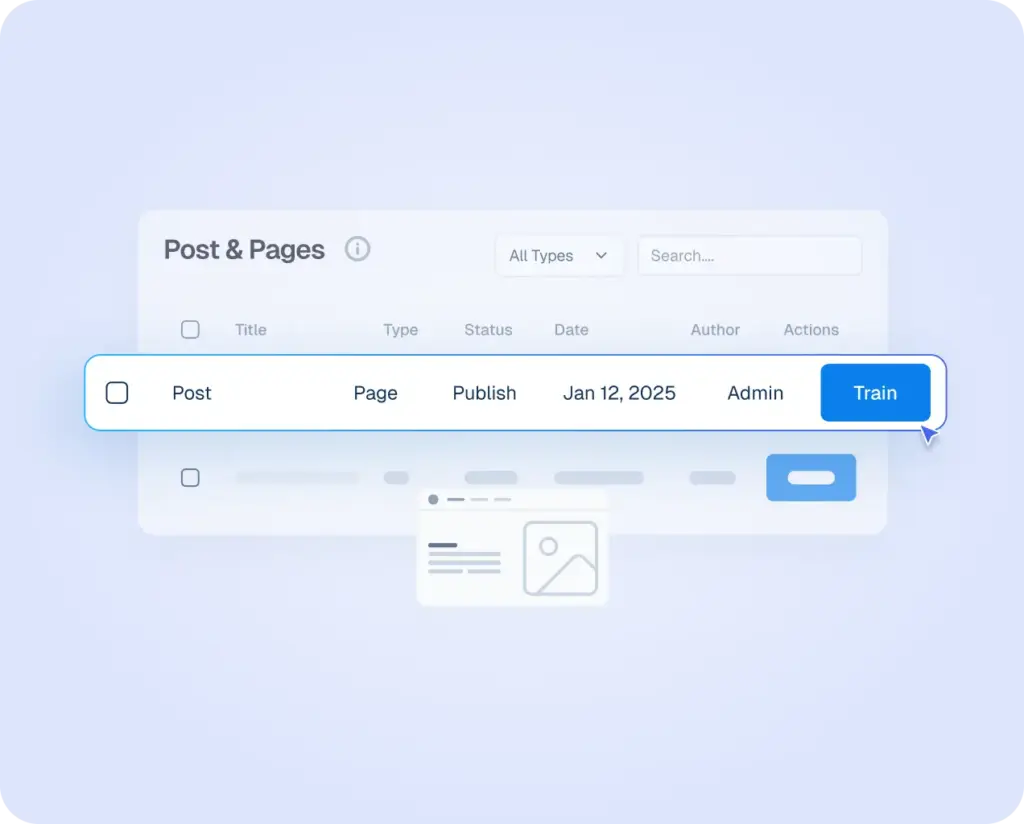
Interface mockup of a WordPress dashboard showing a "Post & Pages" list with a blue "Train" button selected to sync content with Helpmate AI.

Products

Trained on product/service details, to answer pricing, availability and basic store policies.
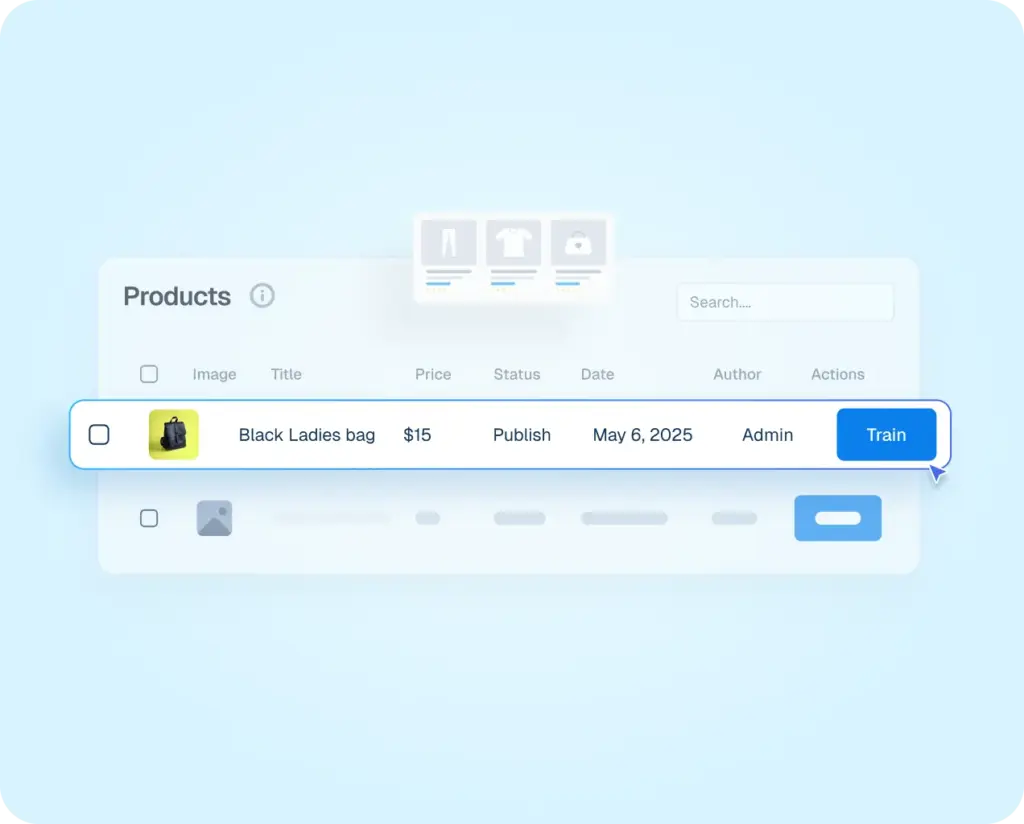
Product dashboard interface showing a list of store items with a blue "Train" button to sync specific product details with the Helpmate AI.

Text

Train your Own custom written content into instant AI knowledge.
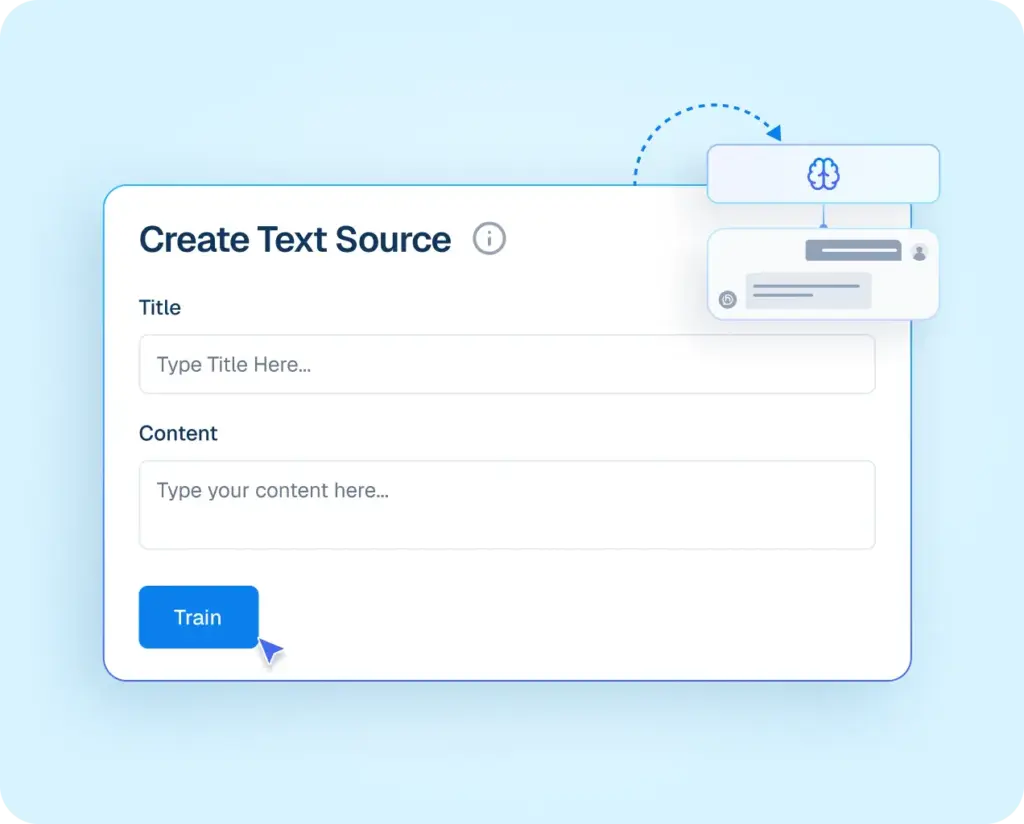
Interface mockup showing the "Create Text Source" window with fields for Title and Content, featuring a blue "Train" button to convert custom text into AI knowledge.

URL

Train AI from live URLs to keep answers updated with your latest public information.
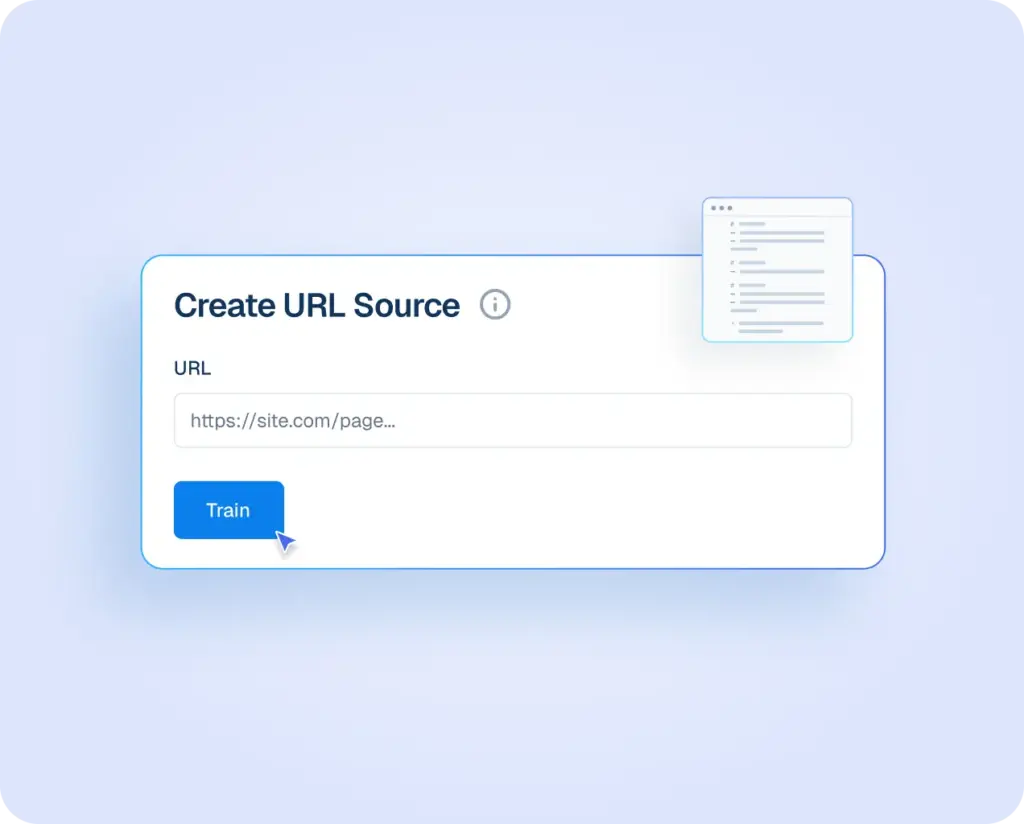
Interface mockup for "Create URL Source" featuring a URL input field and a blue "Train" button to ingest live web content into the AI knowledge base.

Q&A

Add your own questions and answers so the AI responds exactly how your business would.
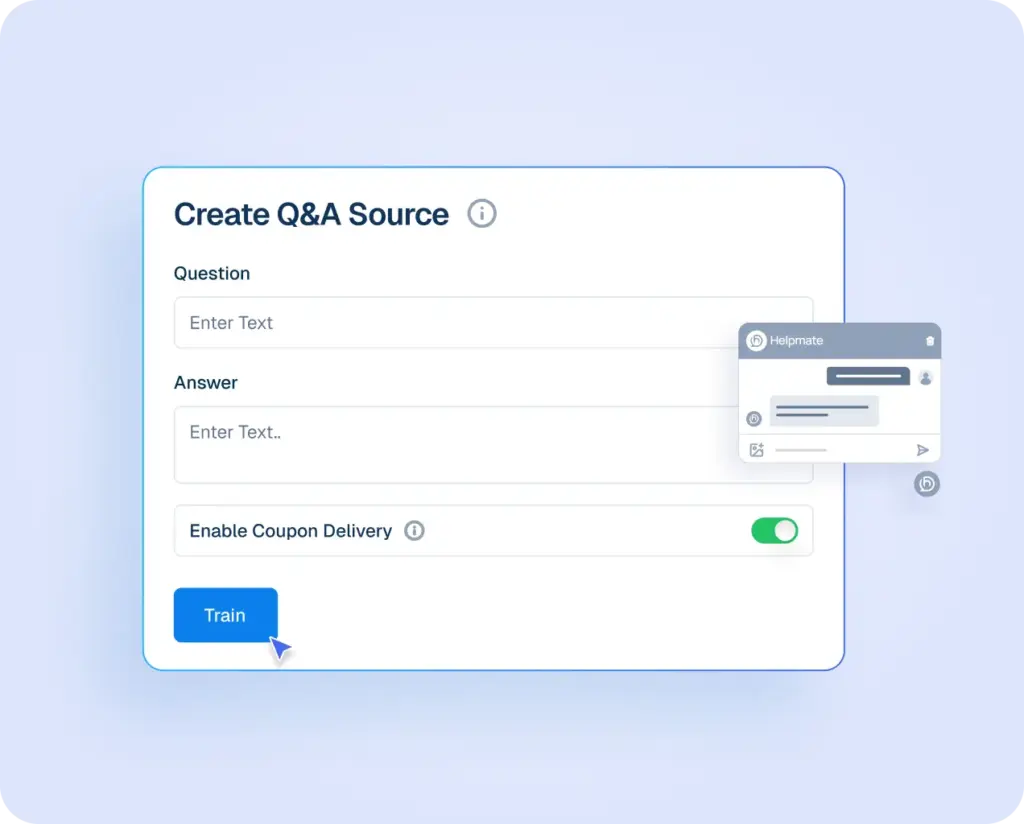
User interface for creating a Q&A source in Helpmate AI with fields for custom questions and answers, including a toggle for coupon delivery and a blue "Train" button.

File

Policies, guides, and PDFs become usable answers inside conversations.
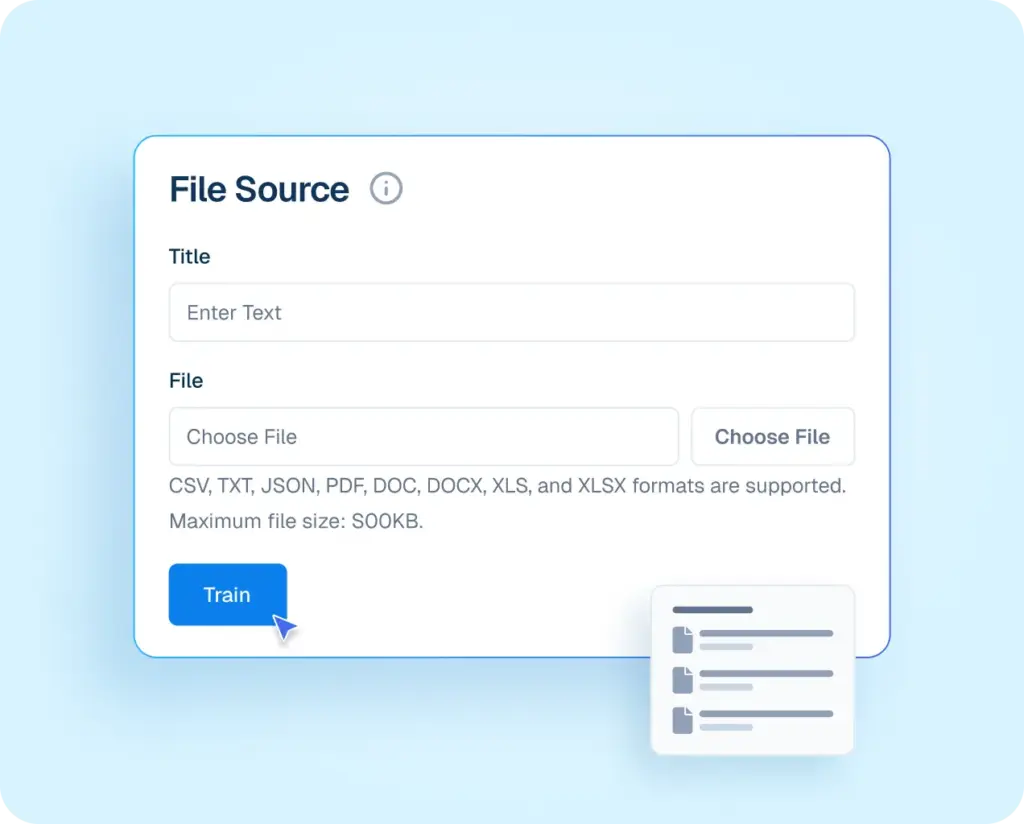
User interface for uploading a File Source to Helpmate AI, featuring title and file selection fields with a blue "Train" button.

Automation

Let Your Business Run Automatically

Set rules once and let System automatically handle sales, support, notifications, and follow-ups across your business.
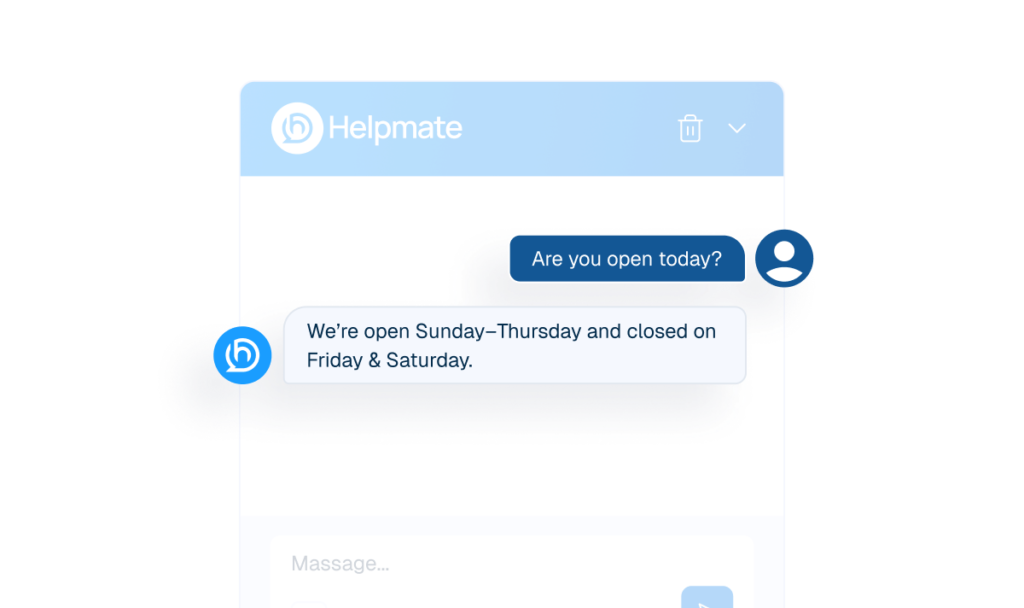
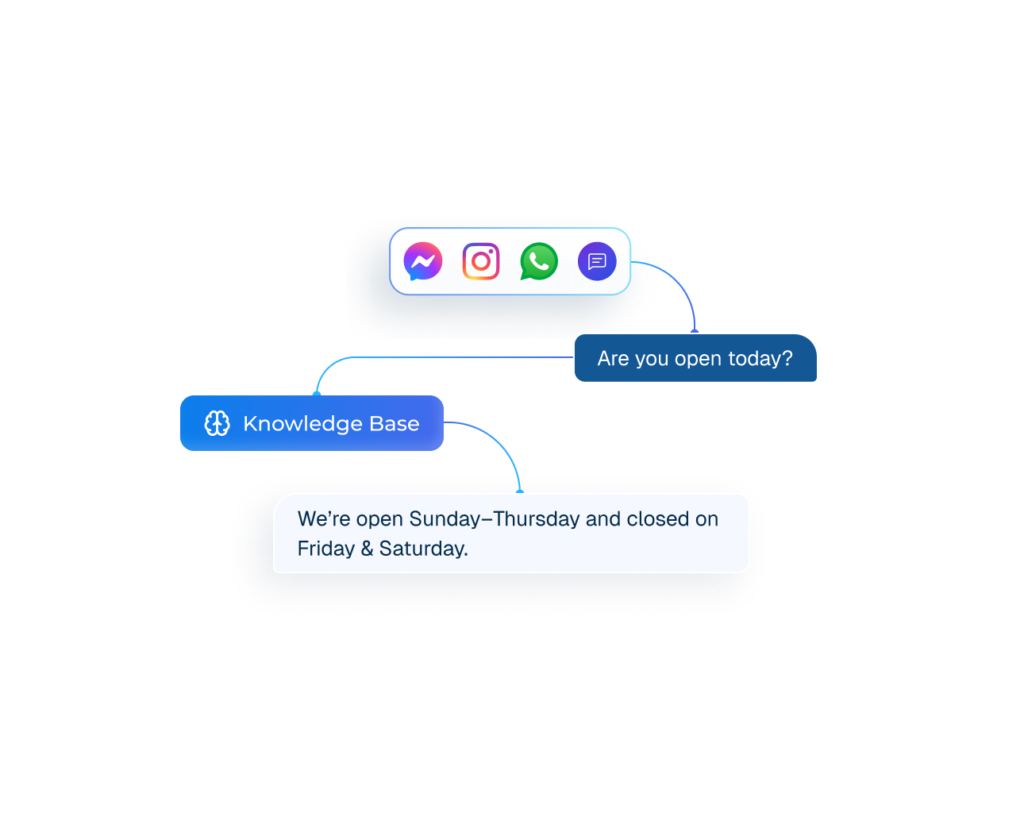
An AI chatbot interface window labeled "Helpmate" showing an automated instant response to a customer's business hours inquiry.
Reply Instantly with Auto Responses
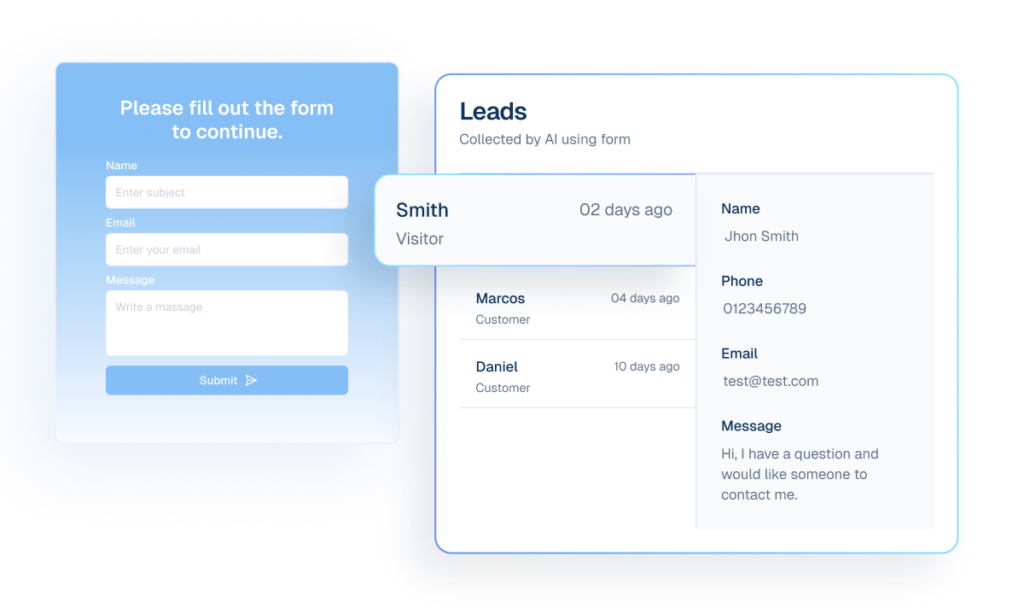
Mockup of an AI lead capture system showing a contact form and a dashboard displaying collected customer details.
Collect Shopper Details with Lead Capture Automation
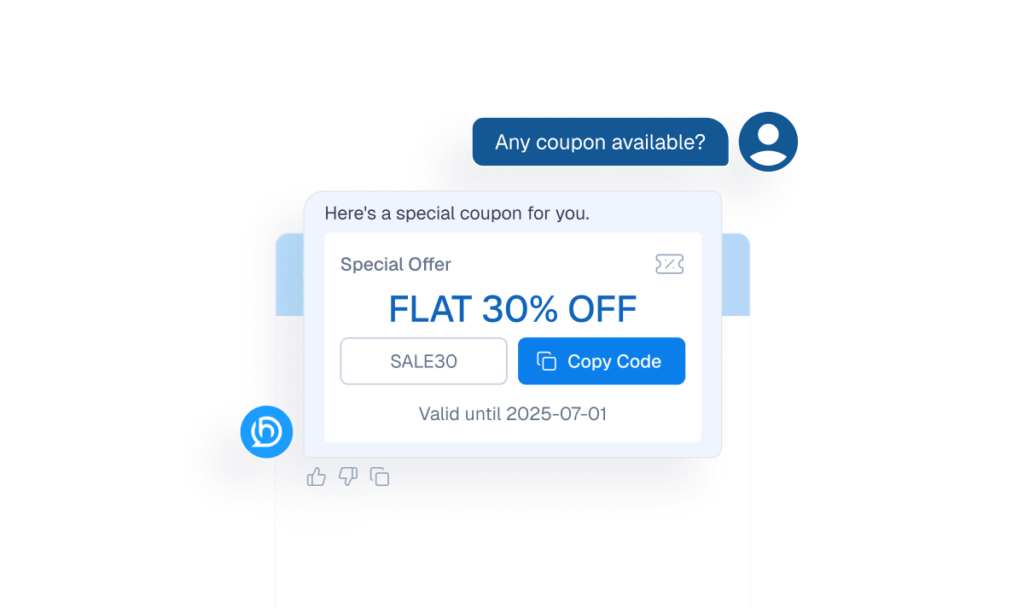
Mockup of a chatbot interface automatically providing a 30% discount coupon code in response to a customer's request.
Trigger Discounts at the Right Moment with coupon delivery
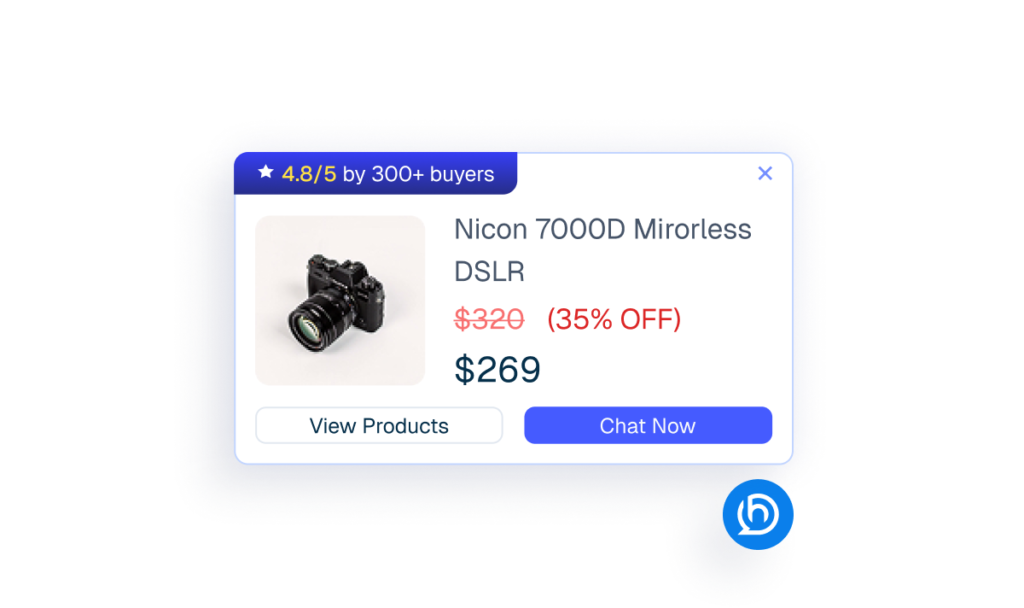
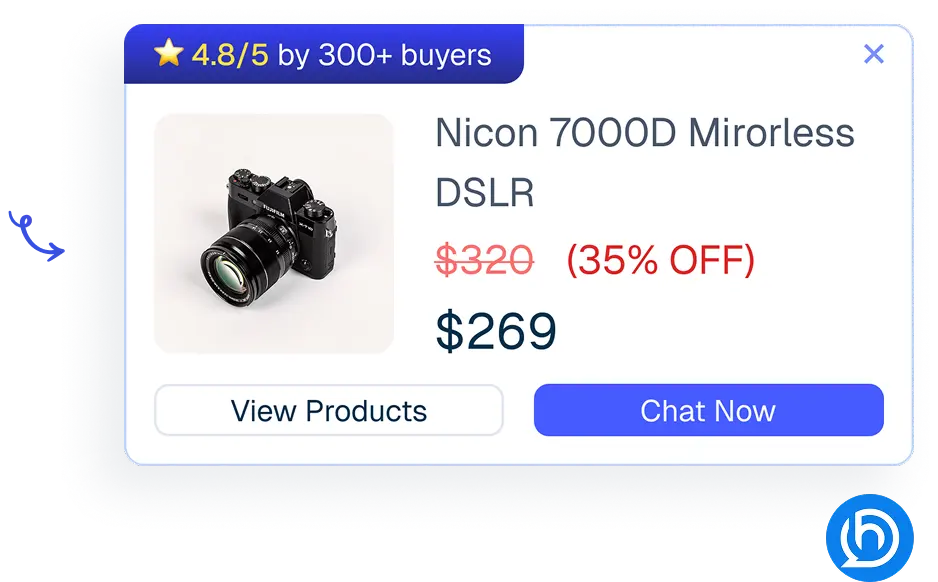
Mockup of a proactive sales chatbot pop-up displaying a discounted camera product card.
Increase Conversions with Proactive Sales
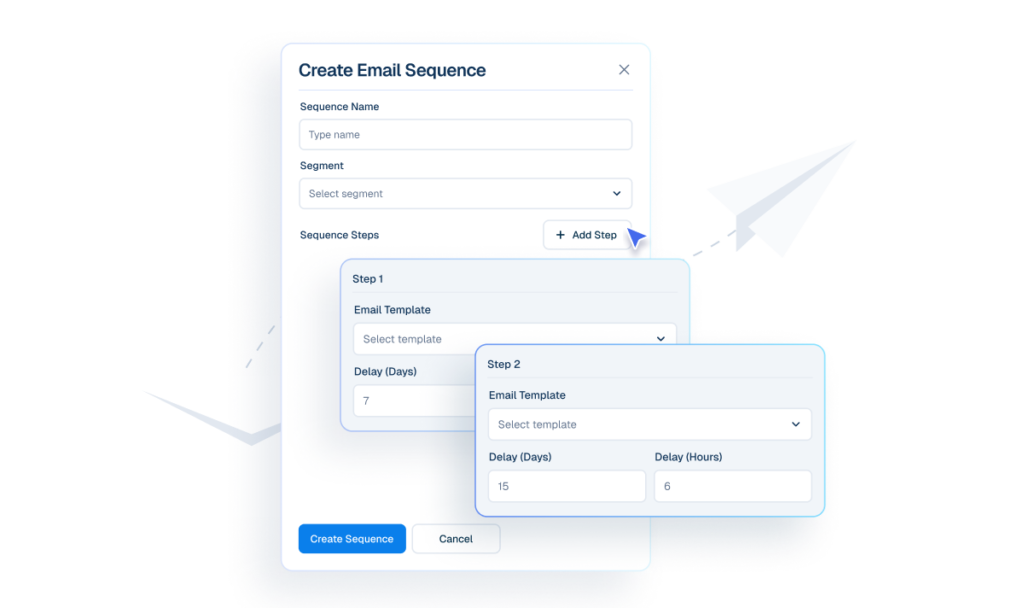
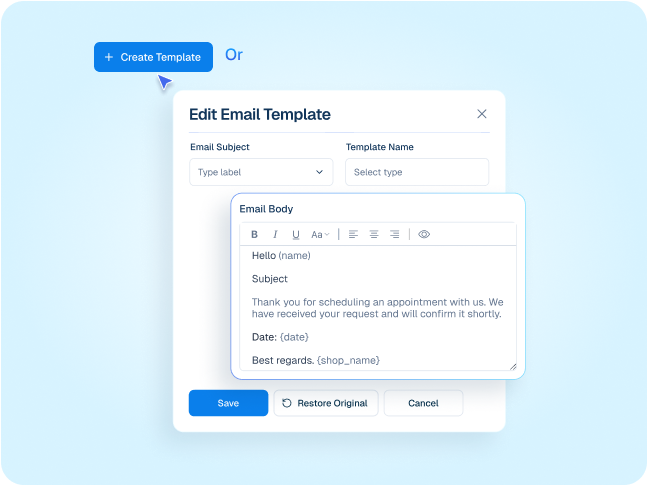
Interface mockup of a "Create Email Sequence" builder showing a cursor clicking an "+ Add Step" button to configure automated follow-up emails with specific day and hour delays.
Nurture Customers with Email Sequences
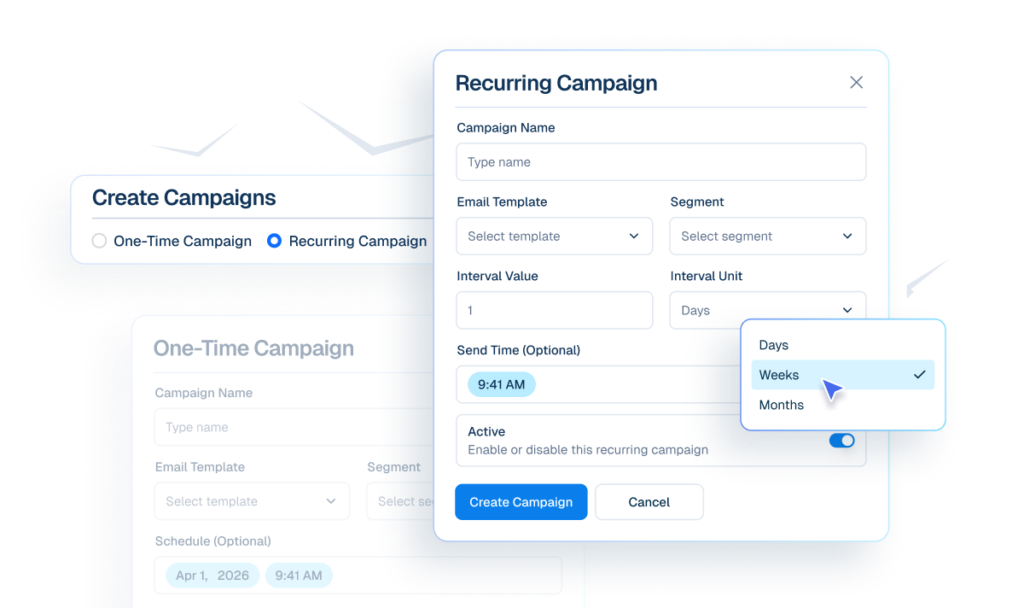
Interface mockup of an email campaign builder showing options to create one-time or recurring campaigns, with a cursor selecting "Weeks" from a dropdown menu for interval units.
Re-engage Customers with Email Campaigns
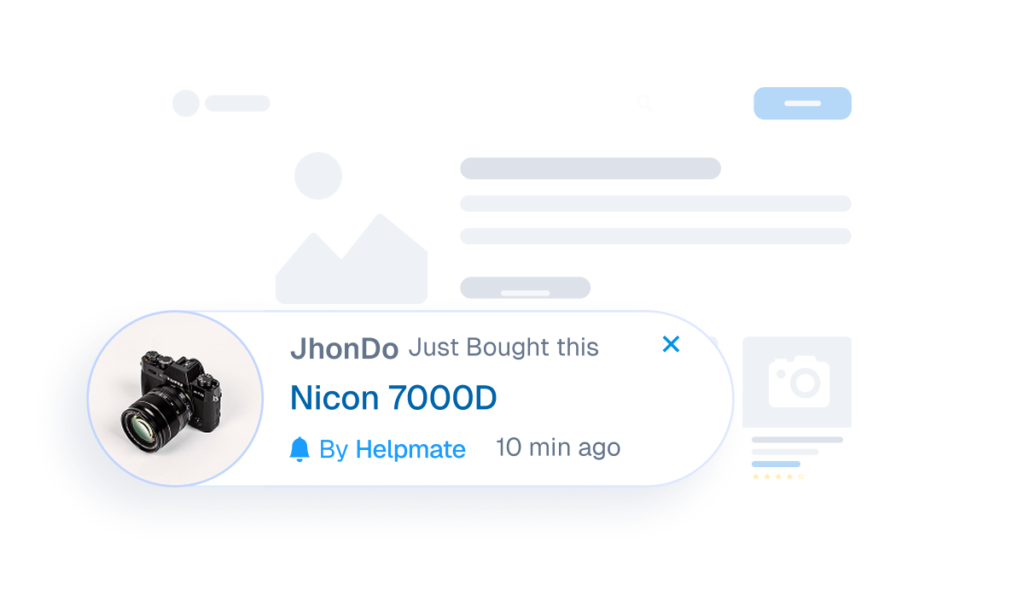
Interface mockup of a live sales notification showing a recent purchase of a Nicon 7000D camera by a user named JhonDo.
Create Momentum With Live Sales Activity
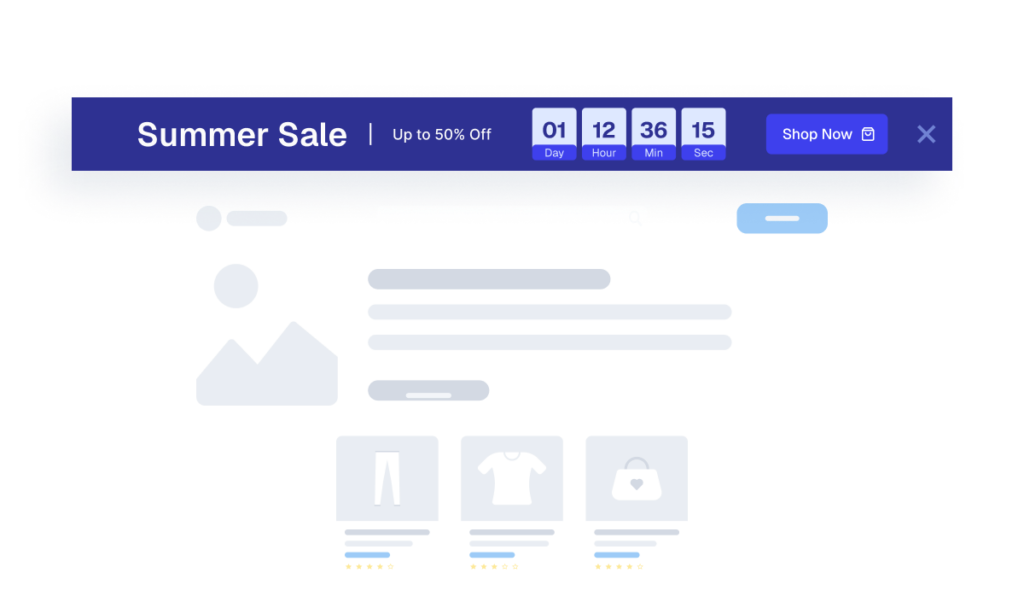
Interface mockup for "Convert Visitors With Timed Promotions" featuring a "Summer Sale" banner with a live countdown timer and a "Shop Now" button.
Convert Visitors With Timed Promotions

Mockup of an abandoned cart recovery email emerging from an open envelope showing a forgotten product.
Recover Abandoned Carts Automatically

Chatbot

One chatbot, For Sales & Support

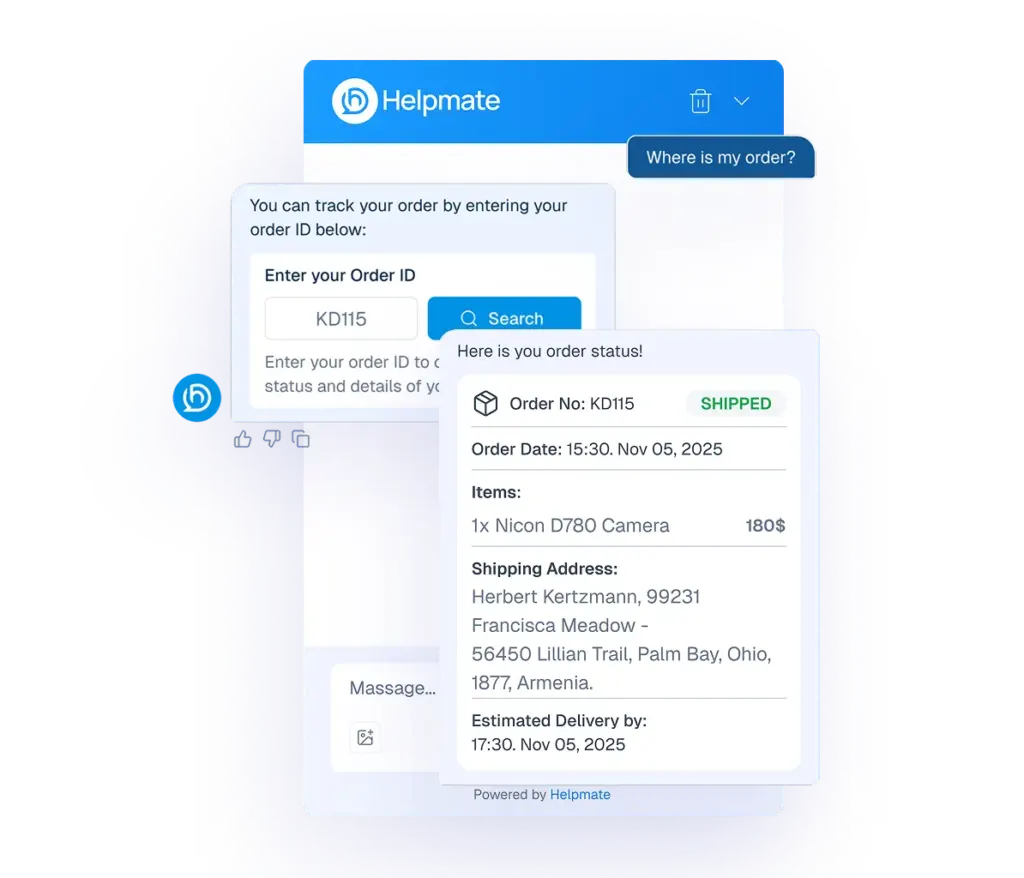
Handle support questions, track orders, manage returns, and assist sales automatically, 24/7.
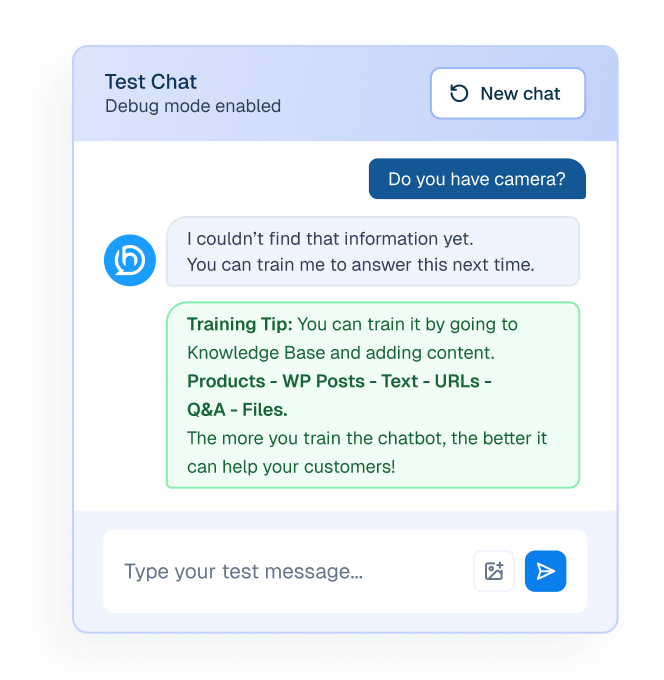
Test Your Chatbot Instantly
An AI chatbot testing interface window showing a "Training Tip" message suggesting content sources like WP Posts, Text, URLs, and Q&A to improve bot accuracy.
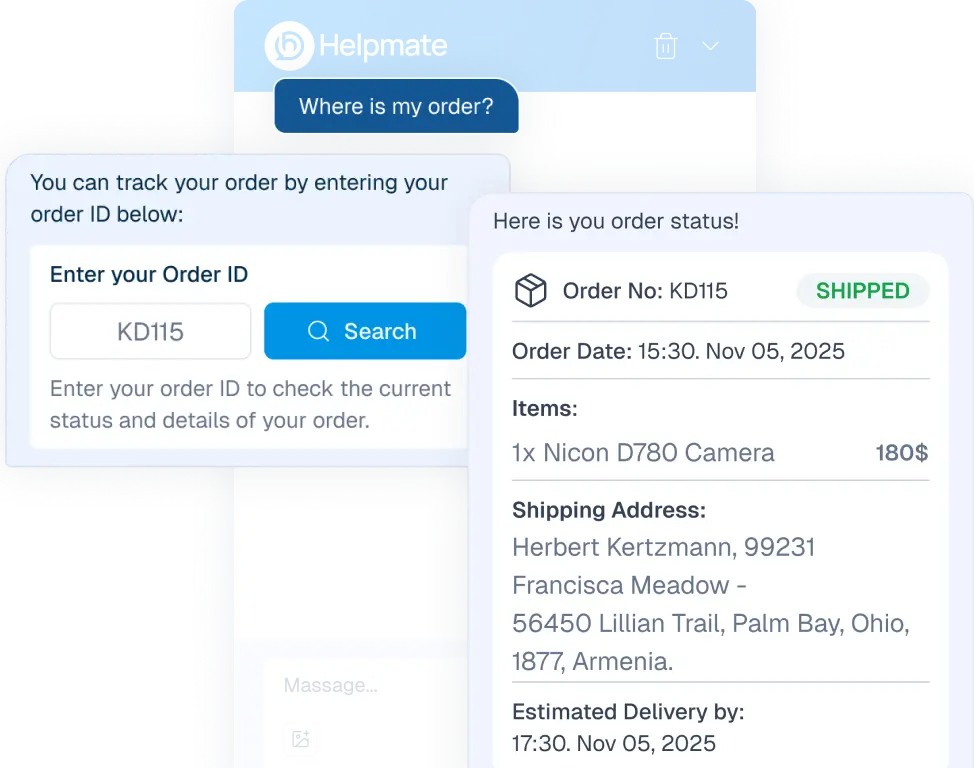
Customer Can Track Orders In Chat
Interface mockup of a chatbot handling a refund request, showing a user prompt "I want refund" and the bot displaying a return process form and a success notification.
AI That Sells for You
Mockup of a proactive sales chatbot pop-up displaying a discounted camera product card.
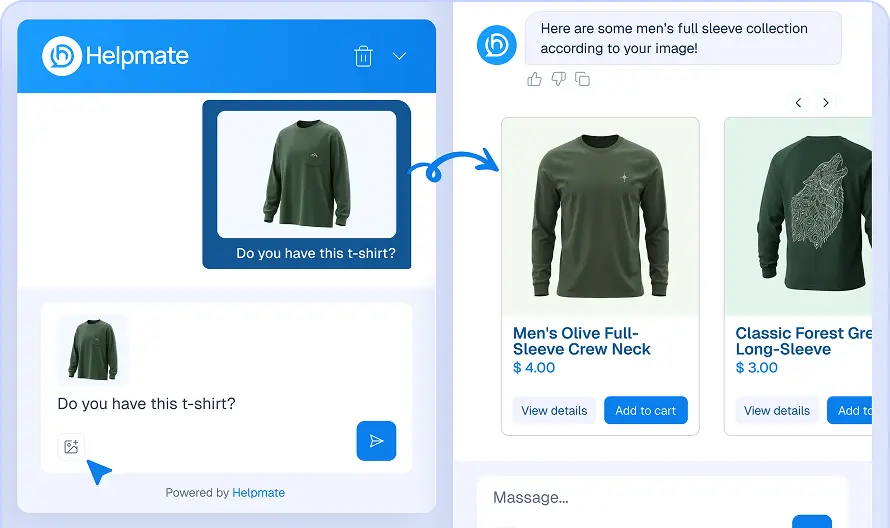
Customer Can Find Product Just With A Photo
An AI chatbot interface window demonstrating visual search capabilities, showing a user-uploaded photo of a green shirt and receiving a "men's full sleeve collection" of similar products.
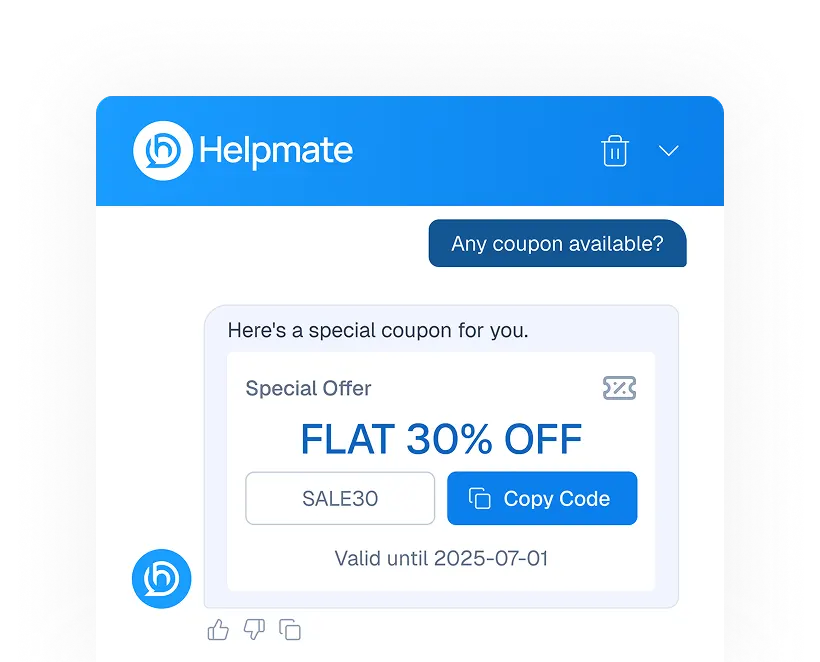
Smart Coupons in Chat
An AI chatbot interface window delivering a "FLAT 30% OFF" discount coupon in response to a user asking, "Any coupon available?"
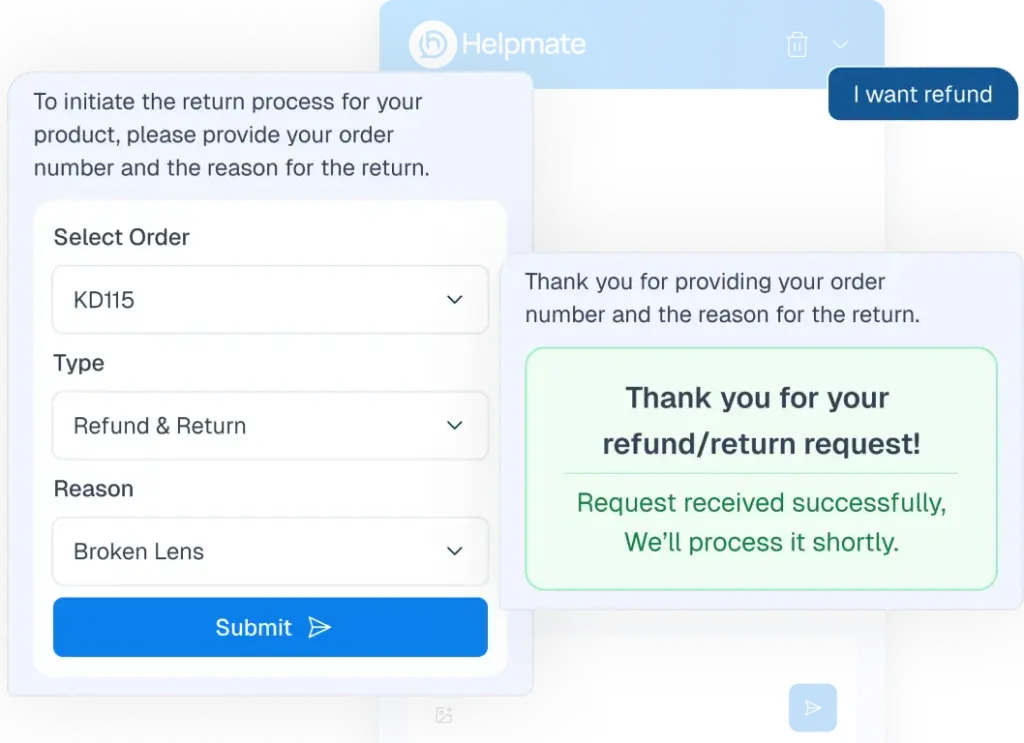
Automate Refund & Return Requests
An AI chatbot interface for automating refunds and returns, showing a user-initiated request for a "Broken Lens" with an automated confirmation message.
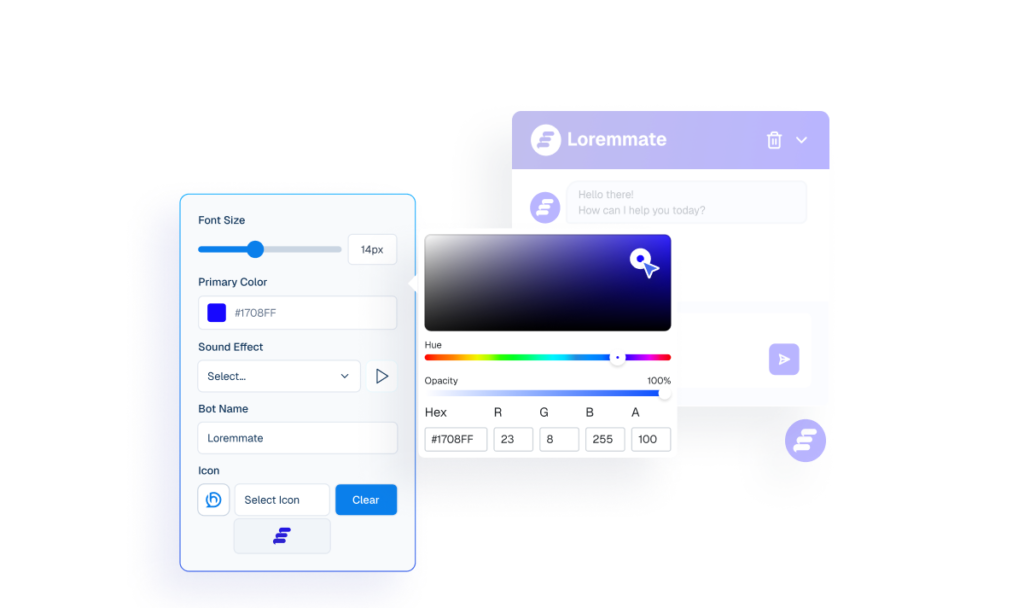
You Can Customize Everything
Interface mockup of a chatbot appearance settings panel with an active color picker tool used to customize the bot's primary color, alongside a live preview window.
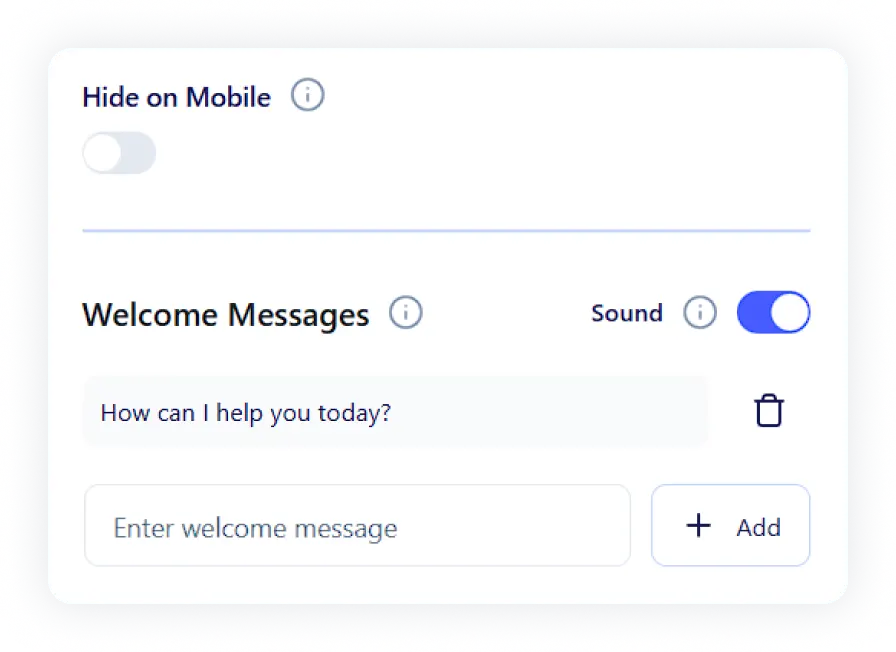
Control How Your Bot Behaves
Interface mockup showing chatbot behavior settings including mobile visibility, sound toggles, and customizable welcome messages.
Plugin-Replaced.
0 +
Fewer Support Tickets.
70- 70 %
More Recovered Carts.
10- 10 %
/month saved.
0 +hrs

Make My Store Self-Running

Social Chat

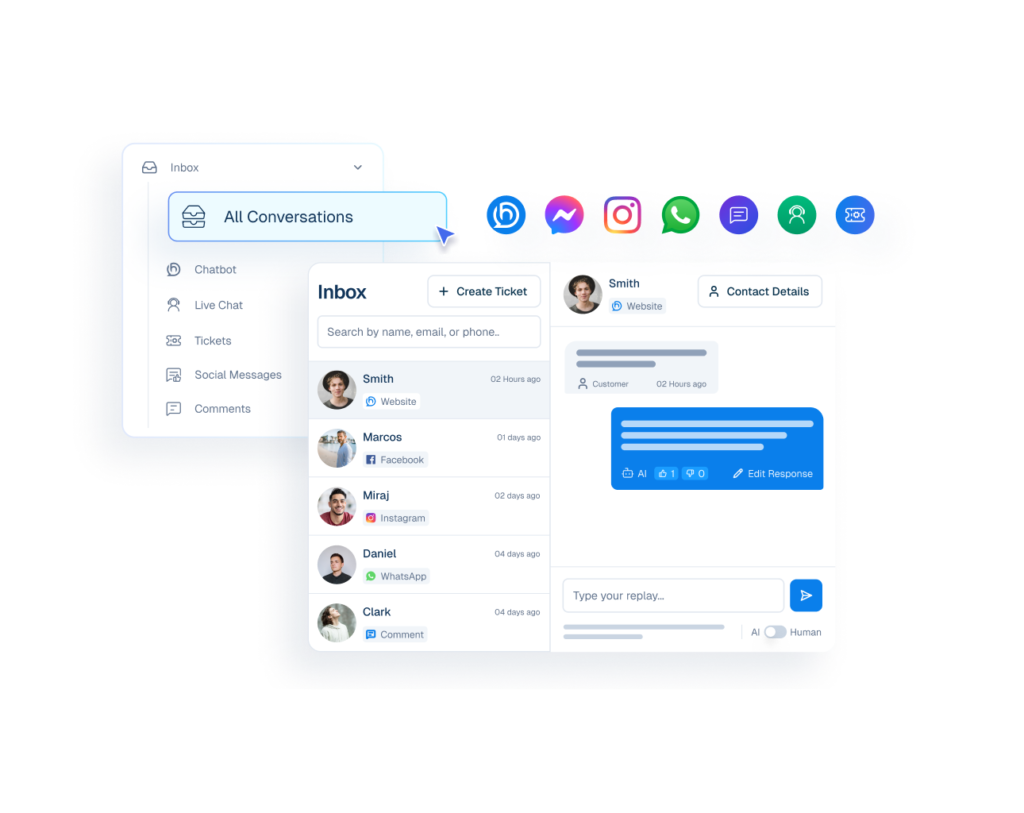
Every channel, one inbox.

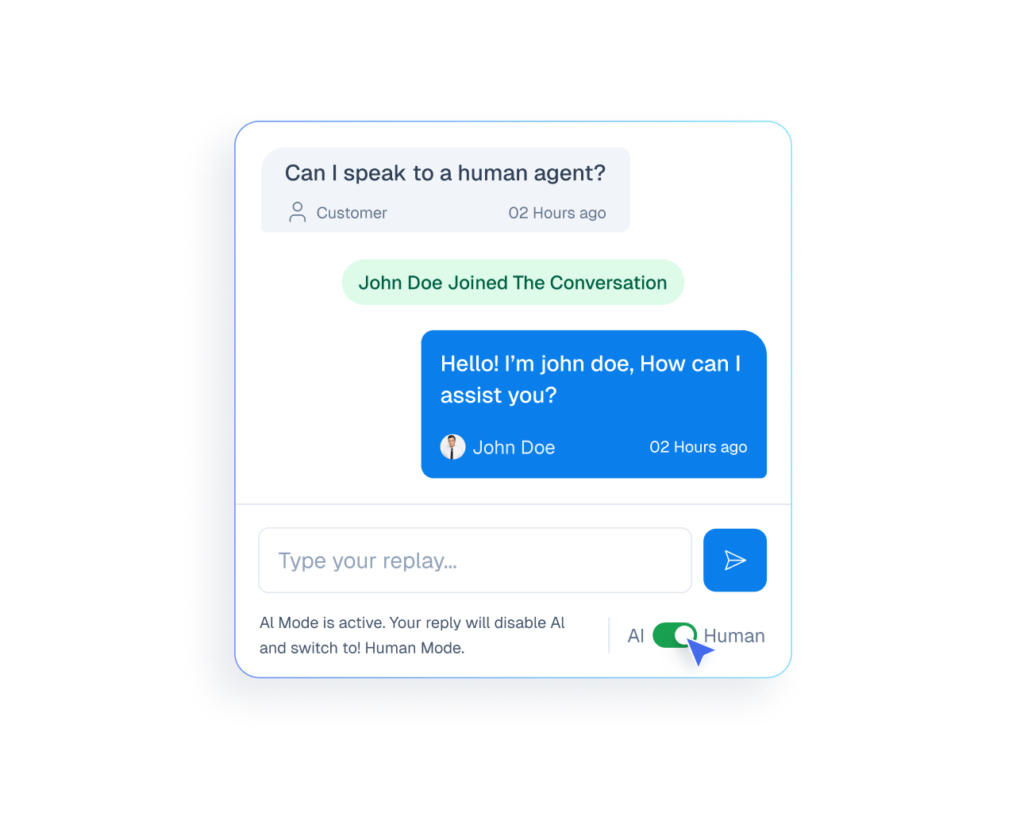
Meet your customers where they are. Manage Website Live Chat, WhatsApp, Messenger, Twitter, and Email from a single interface.

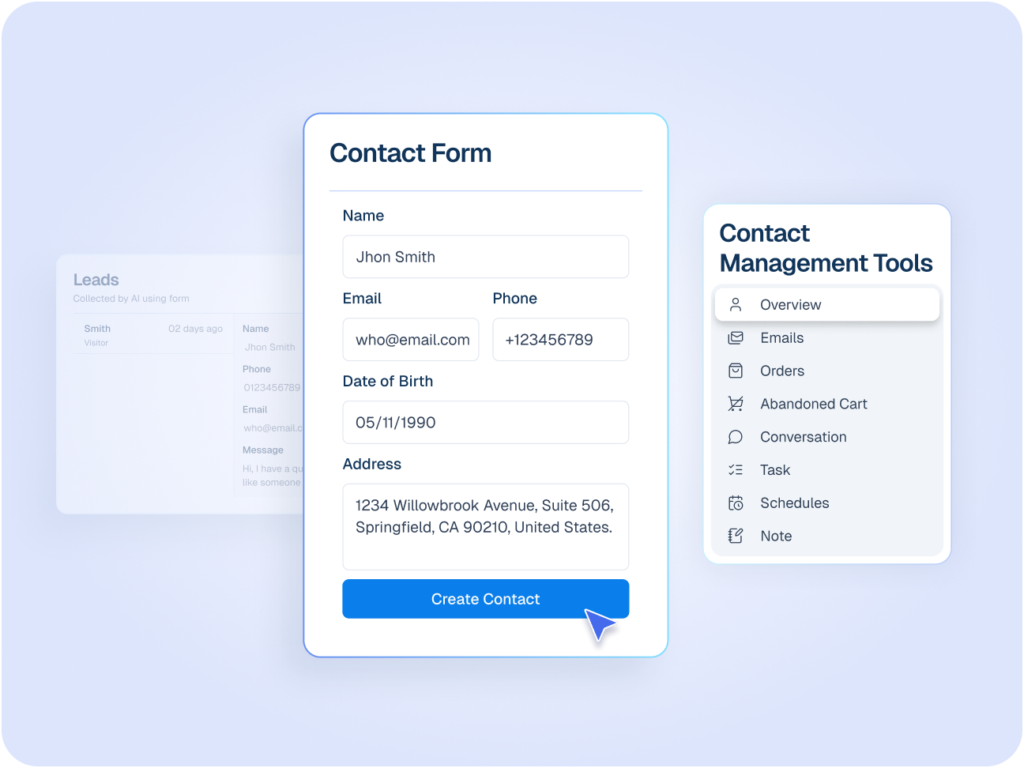
One Place for Full Customer Context

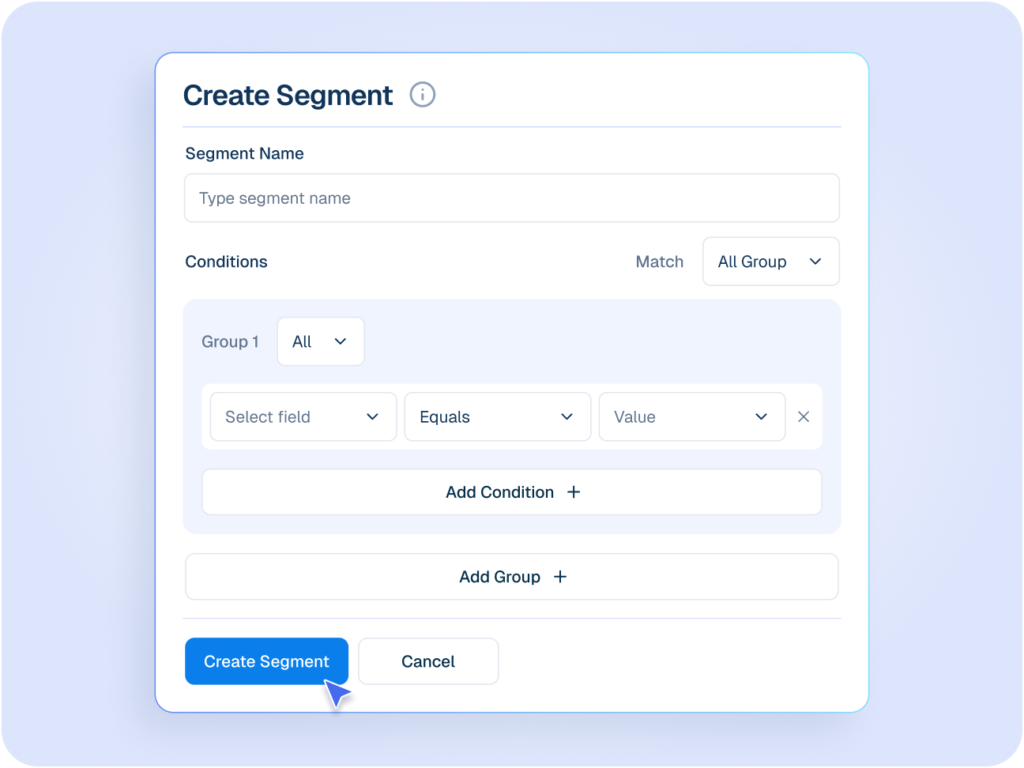
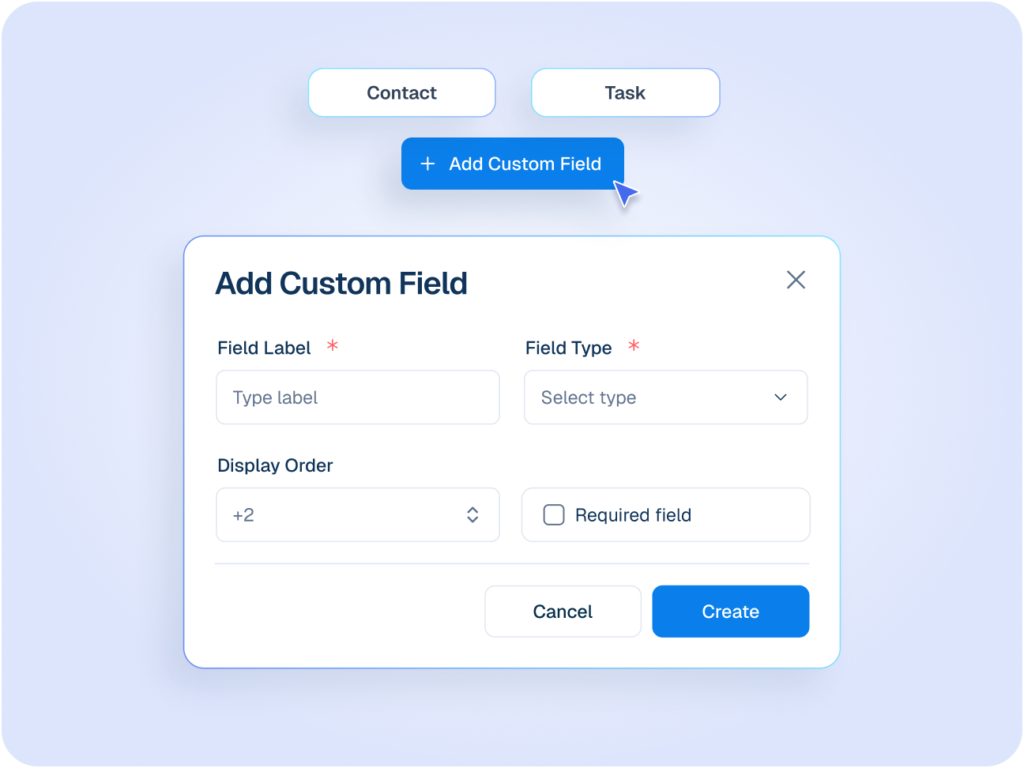
Manage Contacts, orders, notes, and actions in one place so nothing slips through the cracks.
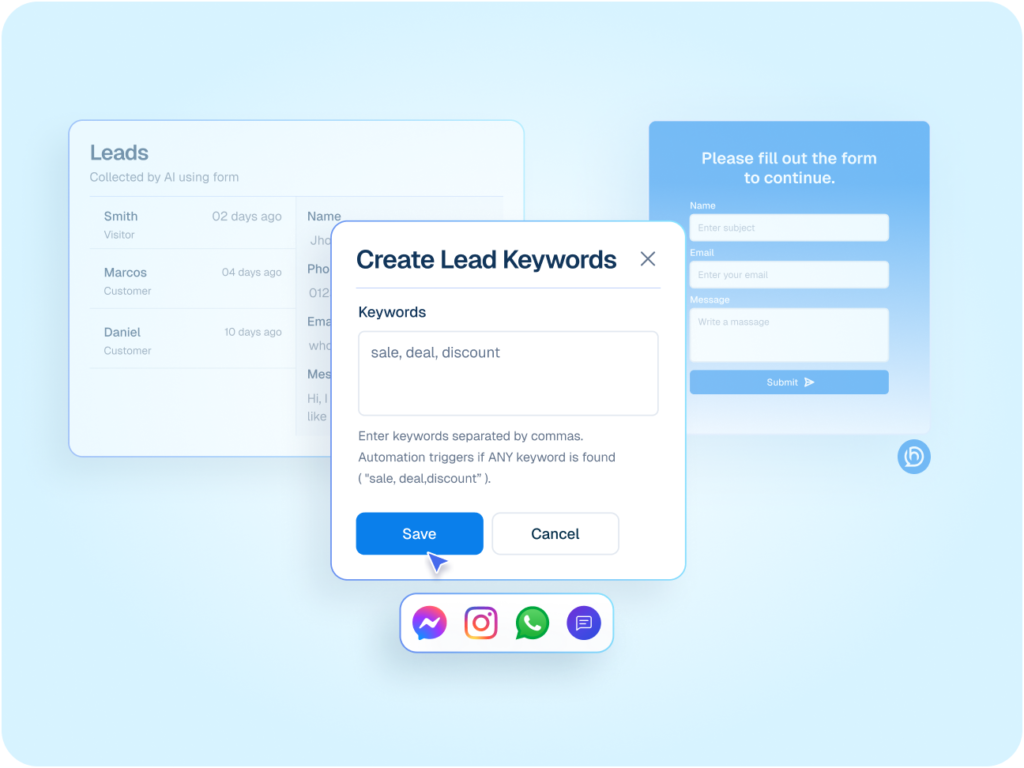
I Want Full Customer Context

Store Owners Running Everything Alone Love Helpmate

Frequently asked questions

Simple, honest answers about Helpmate and how it helps your WooCommerce Business grow.
What exactly is Helpmate?
Helpmate is a conversation-first business system for WordPress. It centralizes live chat, social messages, chatbot conversations, and follow-ups into one place. Not another inbox. A control layer for how conversations turn into clarity, leads, and action.
Is Helpmate just a support tool?
No. That assumption misses the point. Support is only one outcome. Helpmate handles pre-sales questions, repeated DMs, lead capture, bookings, automation, and internal handoff. If you only see “support,” you’re thinking too small.
Who is Helpmate built for?
Solo business owners and small teams running on WordPress who are drowning in messages. If your business depends on conversations and you’re handling them manually, Helpmate is for you. If conversations don’t matter in your business, move on.
How is Helpmate different from chat plugins?
Chat plugins show a box. Helpmate builds a system. One tool might let people message you. Helpmate decides where that message goes, what happens next, and how it doesn’t interrupt your day.
Do I need multiple tools alongside Helpmate?
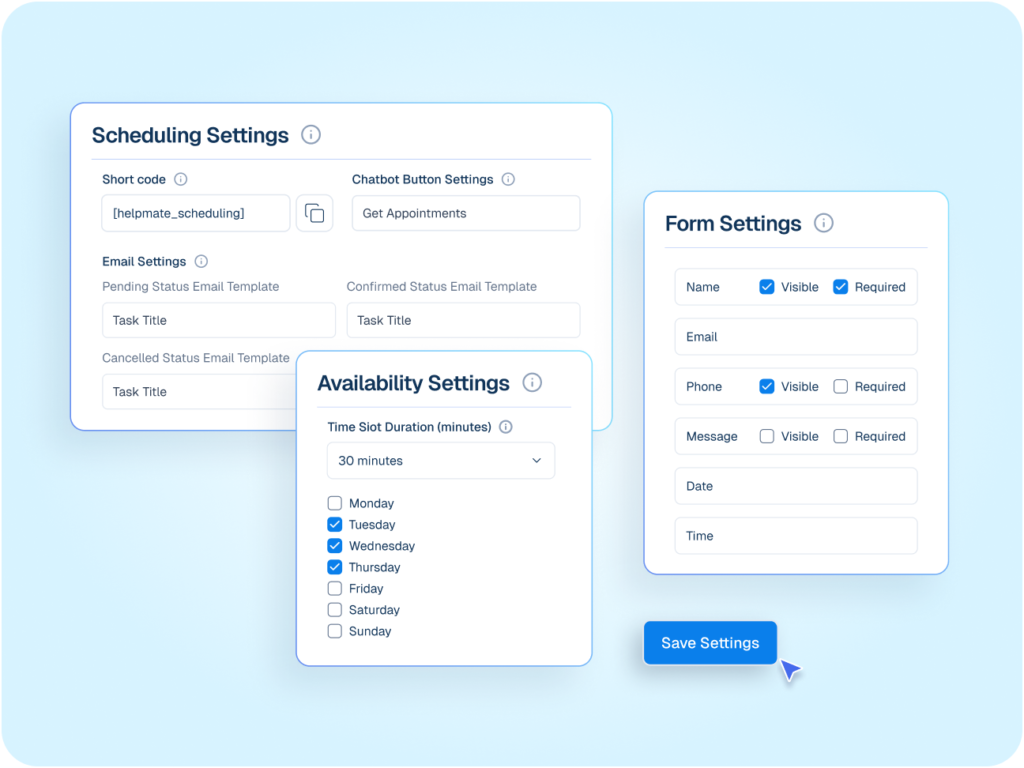
Usually no. Most users replace 2–4 tools. Live chat, social inbox, basic CRM, lead capture, simple automation. If you enjoy juggling tools, Helpmate will feel unnecessary.
How fast can I get value from Helpmate?
Same day. If you install it and still feel “busy,” the problem isn’t setup. It’s that you’ve normalized chaos and call it work.
Is Helpmate complicated to use?
No. But it does force you to think clearly about your conversations. If you prefer reacting instead of designing systems, you’ll resist it.
What’s the core promise of Helpmate?
Fewer interruptions. Clearer conversations. One place to manage how people talk to your business. If that doesn’t matter to you, Helpmate isn’t your tool.
Helpmate logo connected to icons for AI, feedback, chat, and partnerships on a white grid background.

Stop Managing Tools, Start Managing Conversations

Bring chat, support, sales, and automation into one WordPress-native hub.